Digital business page + QR code
A mobile page for your business, and a QR code that opens it.
Put the QR on your table, window, counter, or business card. When a customer scans it, your page opens on their phone with buttons to WhatsApp, call, get directions, book, or save your number. No app to download, no website needed.
Free for professionals · 14 days free for businesses · No credit card
See example pages
Adv. Lara Khoury
Litigation & dispute resolution
Khoury & Co. · Haifa
About
Commercial litigation and contracts. First consultation by appointment.
powered by tapme
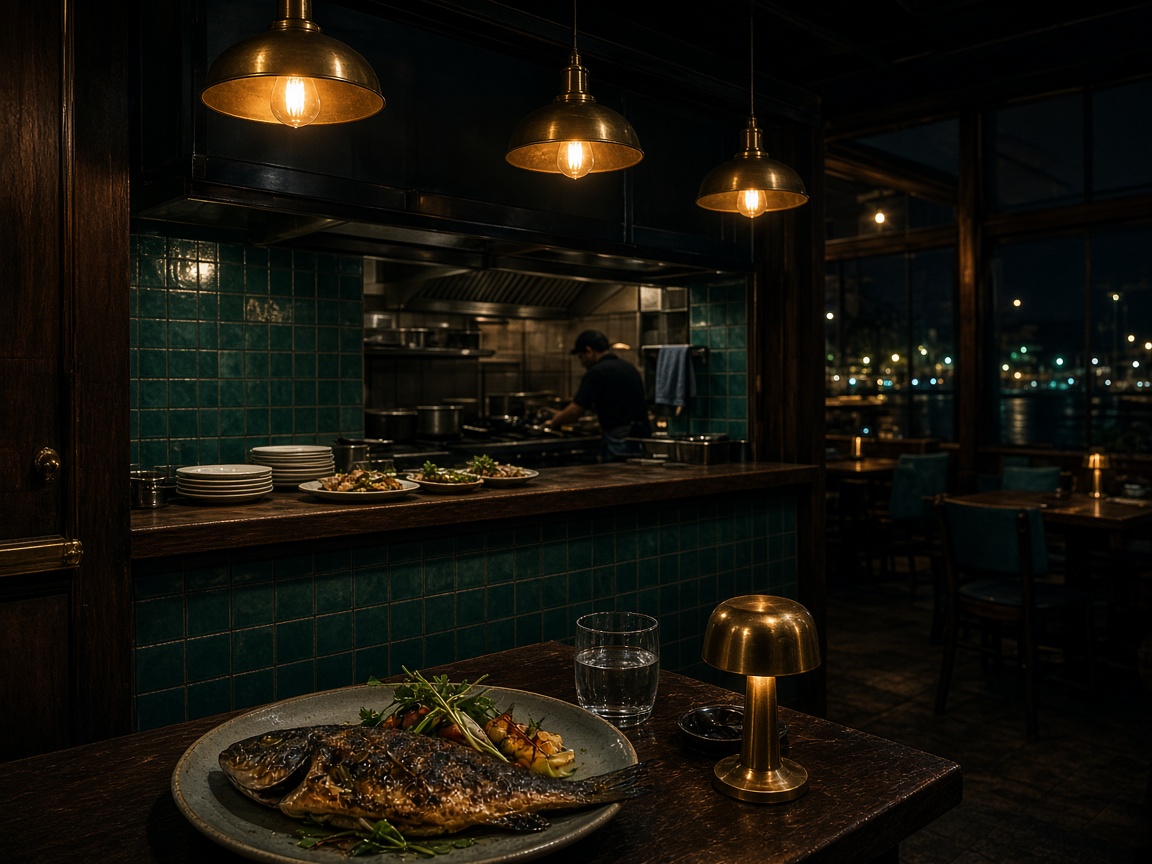
Portside
Kitchen · Port
Open · closes 21:00
Offer
10% off for club members
Show this page at the counter. This week only.
Hours
- Sun–Thu · Today09:00 – 21:00
- Fri09:00 – 16:00
- Sat10:00 – 18:00
Join the club
Early offers and a birthday treat.
powered by tapme
Scan to see an example
Works with any phone camera
What customers see when they scan
One page with your name, logo, and colors. You choose which buttons appear and in what order.
Contact buttons
WhatsApp, call, email, or your booking link. One tap opens the app that is already on their phone.
Directions and opening hours
Your address on a map, today’s hours, and an “Open now” label.
Menu, shop, and reviews
Links to your menu, online shop, Instagram, or your Google reviews page.
Save contact
On a personal card, one tap adds your name, phone, and email to their contacts.
Customer club
Regulars leave their name and phone, with consent, so you can reach them later. Business plans only.
Always up to date
Change your hours, number, or buttons any time. The QR you printed keeps working.
How it works
Three steps. Most people finish the first one in a few minutes.
- 1
Create your page
Sign up and choose a business page or a personal card. Type your details, or paste your website address and we fill in your name, logo, colors, and hours. You check everything before it goes live.
Your details
- Business name
- WhatsApp number
- Address and hours
- Logo and colors
Your page is live
- 2
Put your QR where customers are
Download your QR code from the dashboard and print it: a table stand, the shop window, the counter, your business card, or a flyer. You can also share the link on Instagram and WhatsApp.
Scan to see an example
Works with any phone camera
Portside- Table stand
- Shop window
- Counter
- Business card
- Flyer
- Instagram bio
- 3
See what customers use
The dashboard shows which buttons customers tapped, by day, and whether they came from the QR or the link. On Growth, each table or flyer can have its own QR so you can compare them.
Taps, last 7 days
Example numbers
- WhatsApp42
- Call18
- Directions11
Who it’s for
For businesses
Restaurants, salons, clinics, shops
A page for each branch with your contact buttons, hours, map, and customer club, plus a QR to print for every table, window, or flyer.
From $19 a month · 14 days free
Tapme for businessesFor professionals
Lawyers, consultants, realtors, freelancers
A digital business card with your photo, contact buttons, booking link, and one-tap Save contact. Share it as a QR or a link.
Free
Tapme for professionalsCommon questions
Do I need a website?
No. Tapme is the page. If you already have a website, paste it and we fill in your name, logo, colors, and hours — you confirm before anything goes live.
What do I print, and where?
Your QR code, downloaded from the dashboard as an image. Print it on a table stand, a window sticker, the counter, your business card, a menu, or a flyer. Any print shop can do it, or your own printer.
Do my customers need an app?
No. They point their phone camera at the QR and your page opens in the browser. WhatsApp, call, and maps open in the apps they already have.
Is tapme free?
A personal card is free forever, with a small “powered by tapme” line. Business pages start with a 14-day free trial, then a monthly or yearly plan.
Try it with your own details
Create your page now and open it on your phone. Free for professionals, 14 days free for businesses, no credit card.